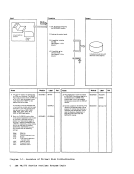
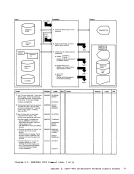
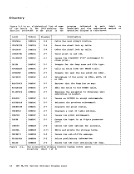
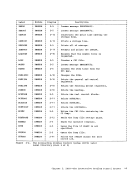
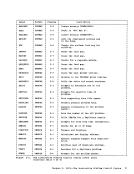
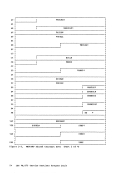
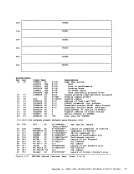
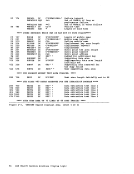
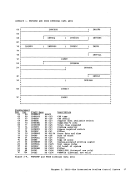
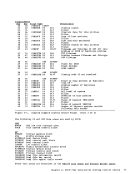
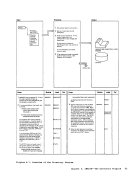
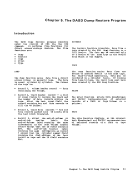
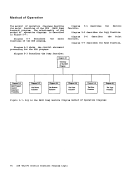
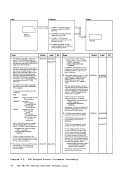
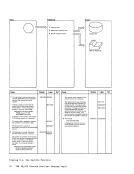
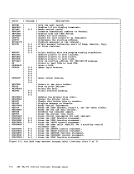
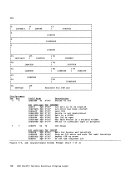
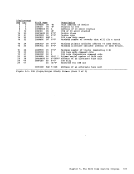
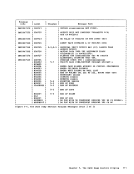
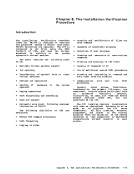
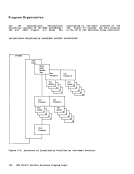
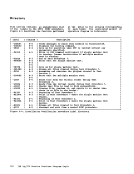
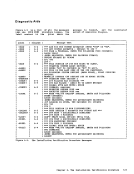
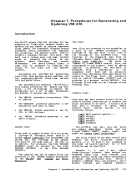
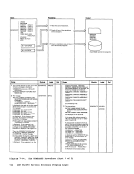
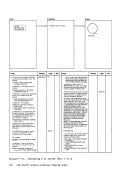
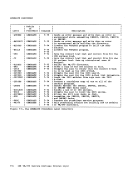
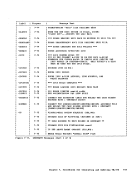
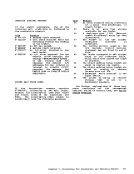
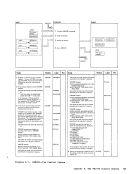
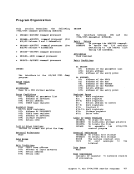
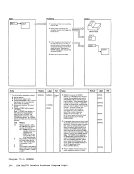
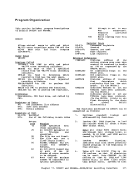
Input command line Control File Notes Module
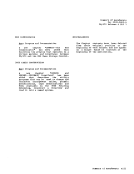
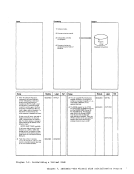
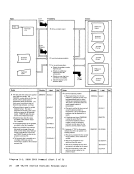
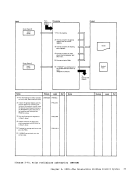
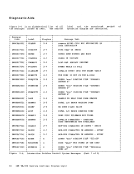
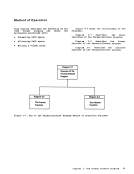
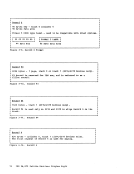
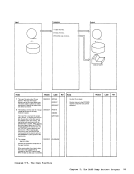
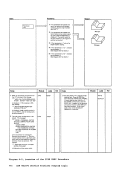
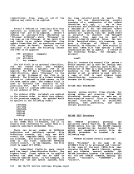
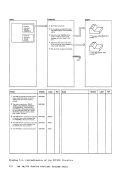
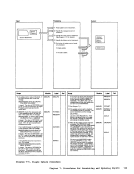
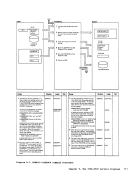
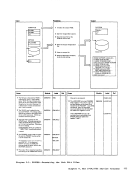
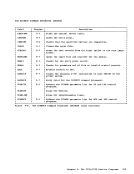
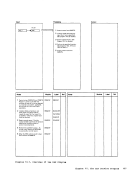
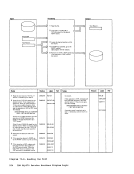
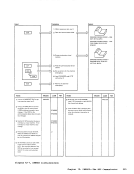
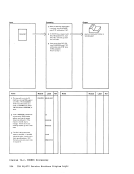
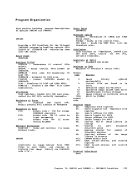
1 GENIMAGE command parameters DMKIMG are validated. If a parameter is inval id, issue return code 100. 2 Create a DUMMY image library. I 3 Issue a FILEDEF command with
the AUXPROC option for the
DUMMY image library created in Step 2; this traps all READ and WRITE operations on that data set. If any FILEDEF errors occur, issue
a return code of 104.
4 Issue a GETMAIN for a 73,000 byte area for simulating OS LOAD macros.
5 Issue HNDSVC macro to handle the following SVCs: SVC 8 (LOAD) SVC 18 (BLDL) SVC 21 (STOW) 6 Call IEBIMAGE: Issue a CMS STATE command
for the TEXT file being searched
for and set appropriate return
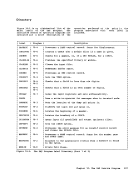
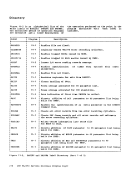
codes in SVC save area. Diagraa 13-1. D!KI!G Output
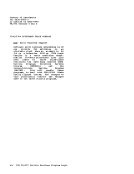
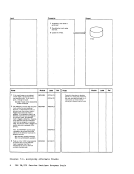
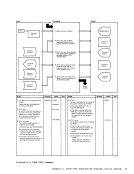
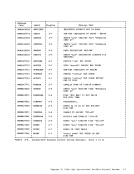
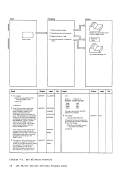
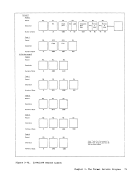
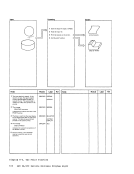
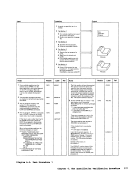
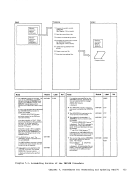
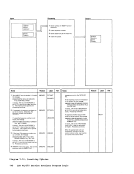
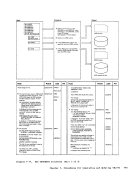
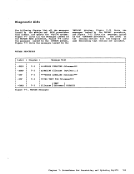
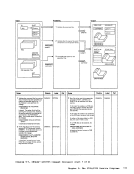
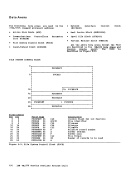
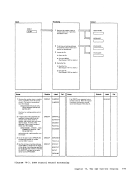
1 Validate input parameters. I 2 Create a DUMMY image library. 3 Issue FILEDEFs for the
DUMMY image library, the
input control file, and the
output SYSPR INT file. I 4 Obtain storage for load area. I I 5 Issue HNDSVC macro. 6 Call IEBIMAGE. 7 Clean up.
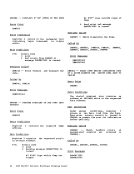
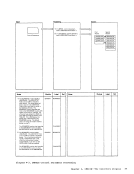
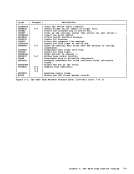
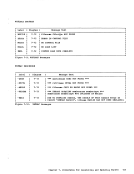
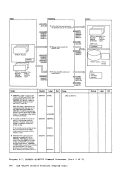
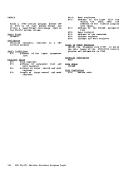
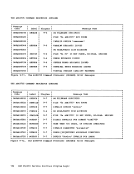
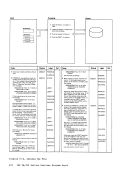
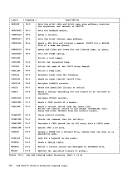
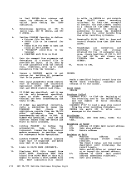
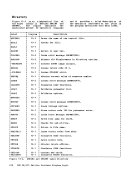
Label Ref Notes LOOP1 Issue CMS LOAD for requested LOOP2 module and return the address
PARMERR of the area loaded into, to the
ENDPARMS I I I FILEBAD IBLDLRTN 1 issuer of the LOAD command.
Use CMS LOAD command to
get module into LOAD area and
move data into user-supplied
buffer for the READ. Treat as no-op and return to
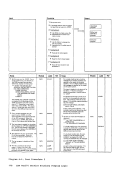
issuer. Simulate operation of STOW macro by locating the module data in the IEBIBLKS work area
and create a TEXT deck from it:
1) Create ESD (external symbol directory) card and write to
TEXT file (GENIMAGE CMSUT1) 2) Create all necessary TXT
cards and write to TEXT file (GENIMAGE CMSUT1) 3) Create an END card and write
to TEXT file (GENIMAGE CMSUT1 )
7 Erase old TEXT file (if one existed)
and rename GENIMAGE CMSUT1 to a TEXT file named IEBIMAGE. DUMMY image library 'GENIMAGE CMSUT2A1' I TEXT I I File listing Module Label Ref LOADRTN READRTN I I I WRITERTN READEXIT STOWRTN TXTLOOP Chapter 13. DftKlftG and D!KNftT -- IEBI!AGE Interface 233
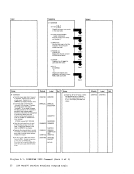
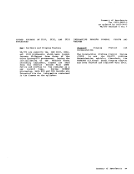
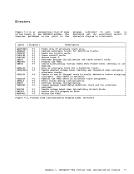
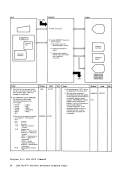
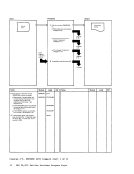
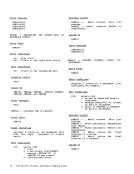
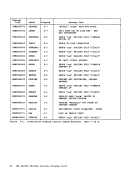
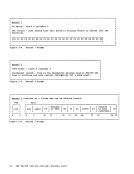
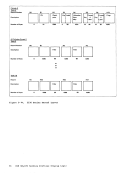
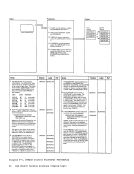
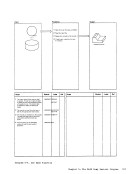
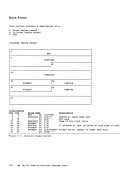
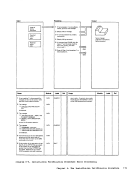
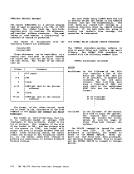
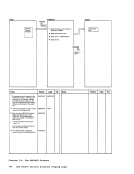
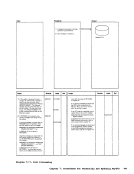
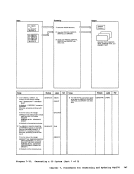
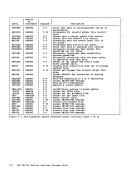
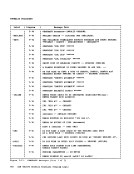
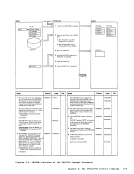
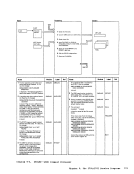
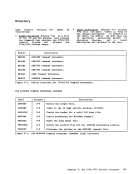
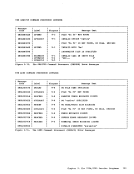
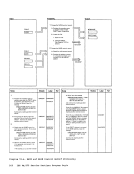
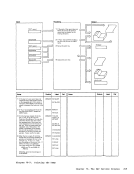
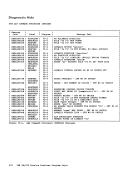
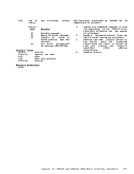
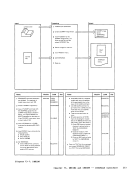
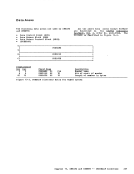
Input Processing Output command line 1 Verify existence of control file. "- v
2 Load all TEXT files requested
in control file into virtual storage and construct directory
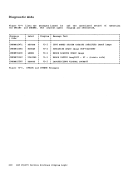
DMKNMT248E
entries.
DMKNMT249E
DMKNMT256E Control file Named System 3 Cause loaded file to be stored (updated or
as the named system.
v
changed) DMKNMT2471 DMKNMT254E
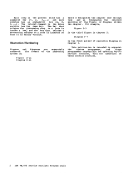
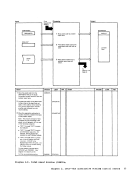
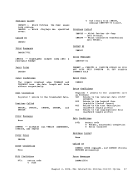
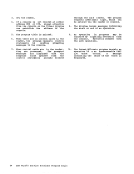
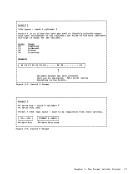
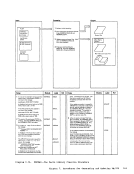
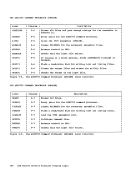
Notes Module Label Ref Notes Module Label Ref
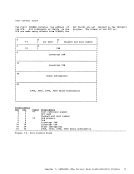
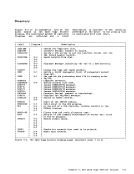
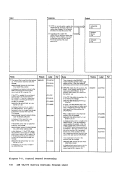
1 Verify the existence of the control DMKNMT IMAGELIB 3 Issue DIAGNOSE X'74' to cause file. If it doesn't exist, give a return ERROO4 the named system to be saved. If code of 4. successful, issue message DMKNMT2471; if not successful, 2 Create a DUMMY directory that issue message DMKNMT254E. DIAGERR will be used to hold the number of
entries in the named system.
Read a record from the control RDLOOP file and verify the existence of the
indicated TEXT file. If it doesn't AFTERRD exist, issue message NOTEXT DMKNMT248E.
Load the TEXT file into the CMS transient area. If a LOAD error LDERR
occurs, issue message
DMKNMT256E.
Move the file from the transient
area to the core image area if
sufficient storage exists. If not.
issue message DMKNMT256E.
Create a new directory entry for RANOUT this TEXT file and return to RDLOOP. If no more entries, close the control file, compress the core RDEO:= image, and adjust the displacements DSPLOOP in the directory.
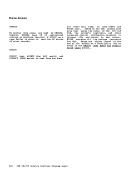
Diagraa 13-2. DMKNMT 234 IBM VM/370 Service Routines Program Logic
Previous Page Next Page