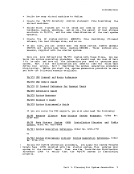
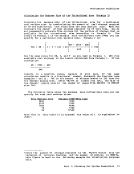
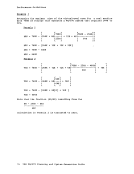
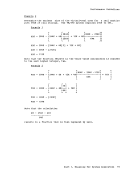
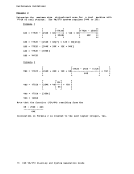
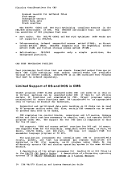
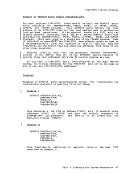
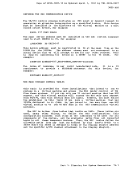
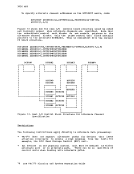
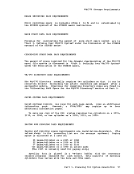
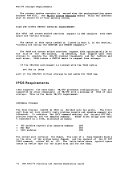
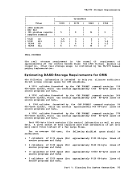
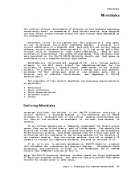
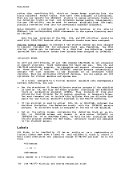
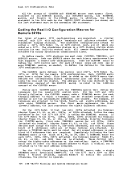
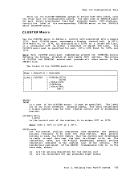
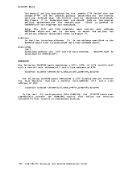
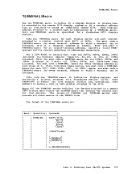
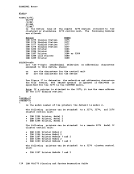
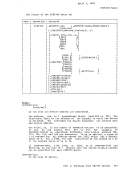
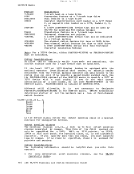
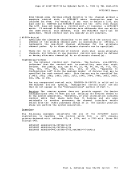
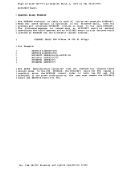
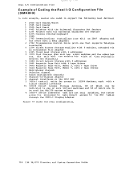
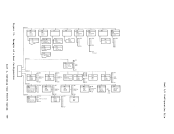
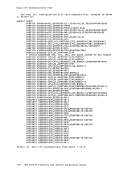
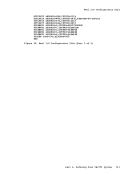
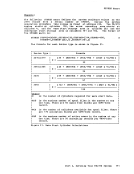
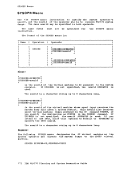
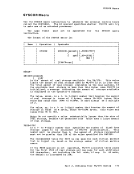
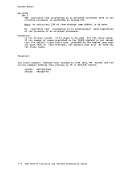
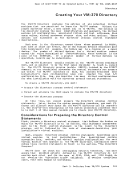
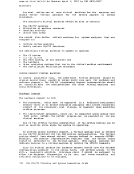
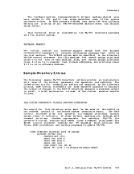
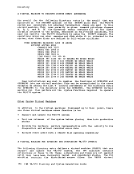
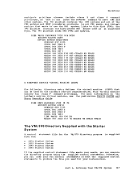
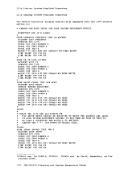
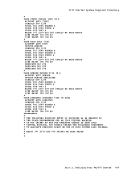
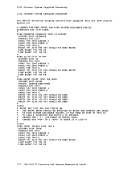
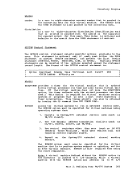
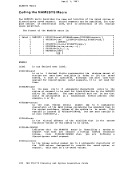
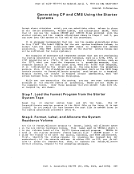
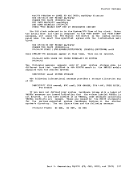
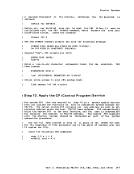
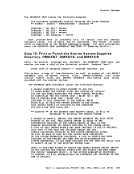
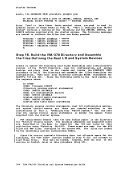
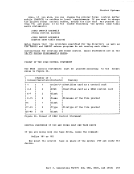
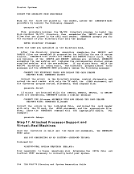
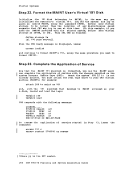
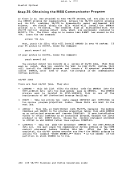
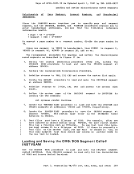
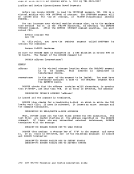
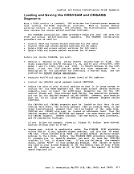
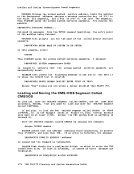
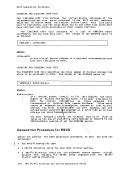
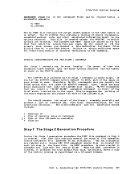
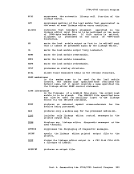
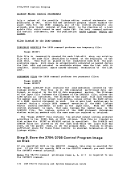
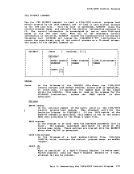
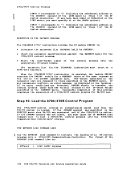
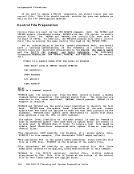
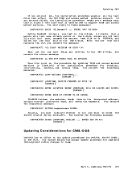
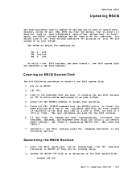
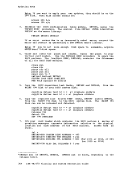
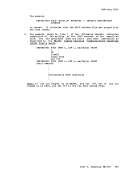
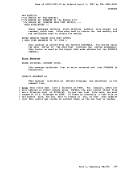
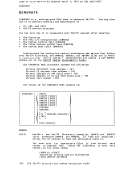
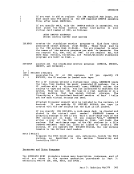
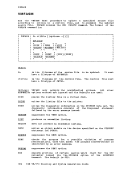
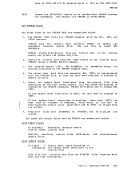
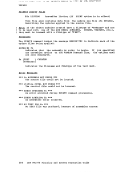
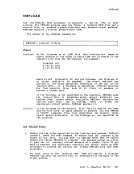
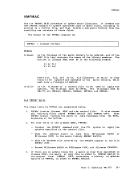
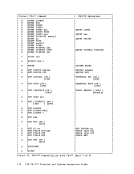
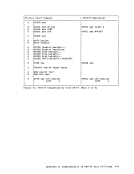
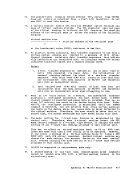
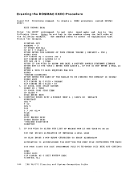
Creating the DOSMAC EXEC Procedure
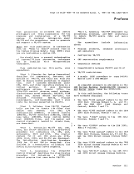
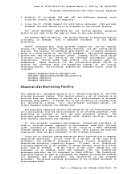
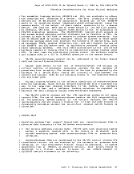
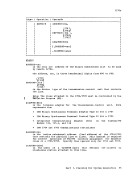
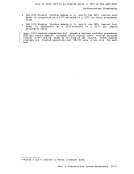
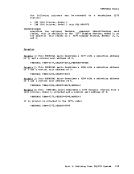
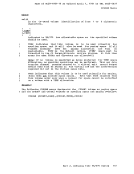
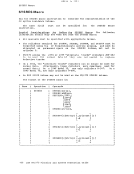
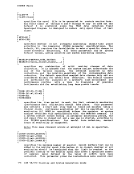
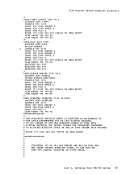
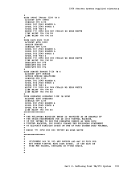
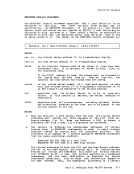
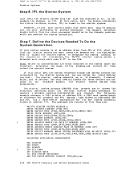
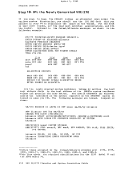
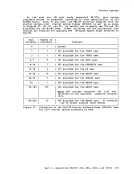
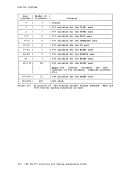
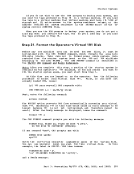
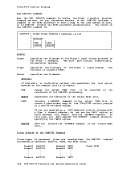
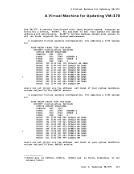
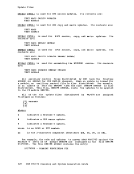
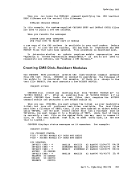
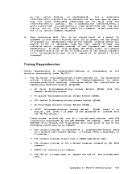
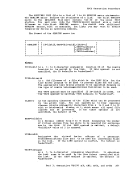
Issue the following command to create aEXEC procedure called DOSMAC EXEC: EDIT DOSMAC EXEC Enter the INPUT subcommand to get into input mode and key in the
following lines.
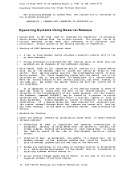
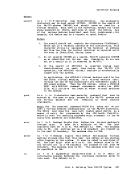
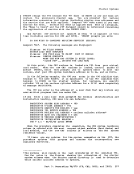
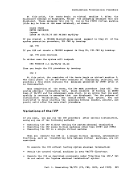
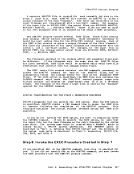
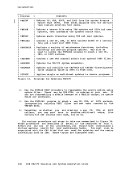
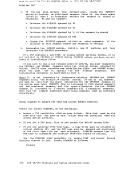
the following example. The numbers refer to notes of explanation that
follow the example.
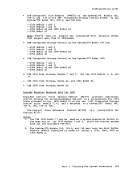
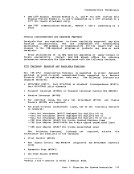
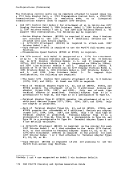
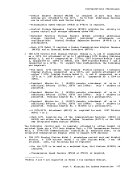
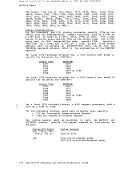
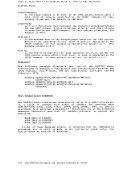
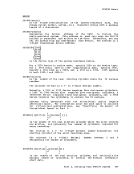
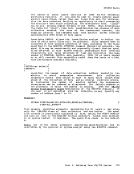
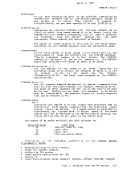
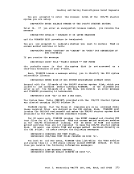
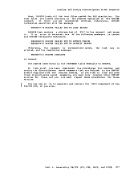
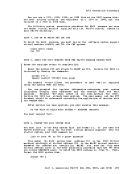
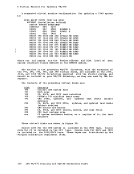
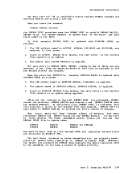
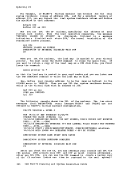
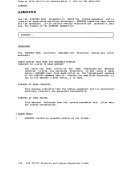
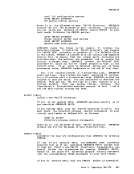
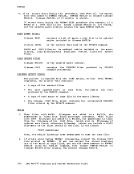
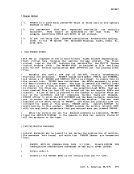
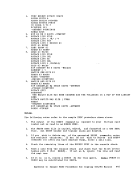
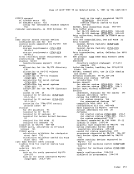
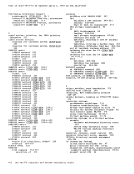
&CONT ROL OFF &GENSWT = 0 CP PURGE RDR ALL CP CLASS A STYPE ENTER THE ADDRESS OF YOUR SYSRES VOLUME ( DEFAULT = 350 )
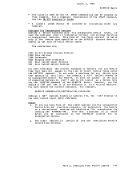
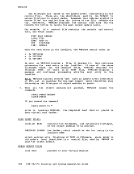
&READARGS EQ 0 ACCESS 350 Z &IF &INDEX NE 0 ACCESS &1 Z SET DOS ON Z (VSAM &TYPE IF YOU WISH TO ASSGN AND DLBL A PRIVATE SOURCE STATEMNT LIBRARY &TYPE NOW IS THE TIME ( ENTER YOUR ASSGN ). IF YOU DO NOT ENTER A NULL LI
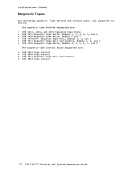
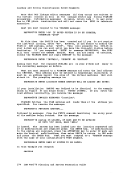
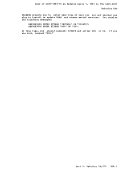
&READ&TYPE A DLBL IS ALSO REQUIRED FOR SSL &READ -MACGEN &CONTINUE &TYPE ENTER THE NAME OF THE MACLIB TO BE CREATED THE DEFAULT IS DOSMAC &READ ARGS &IF tINDEX EQ 0 &LIB = DOSMAC &IF &INDEX NE 0 &LIB = &1
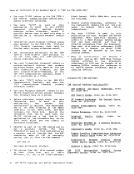
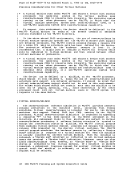
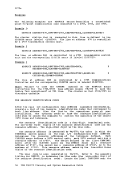
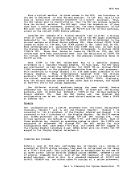
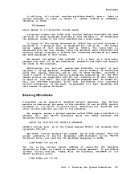
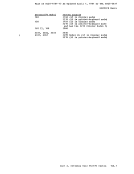
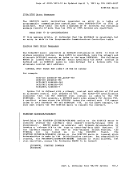
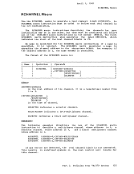
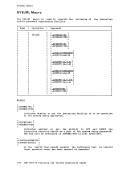
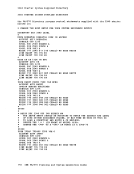
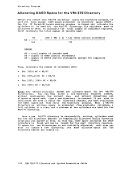
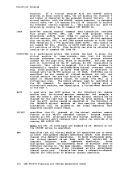
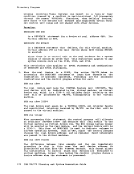
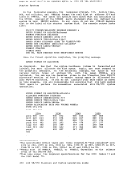
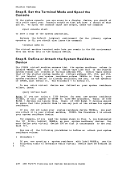
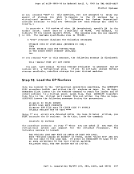
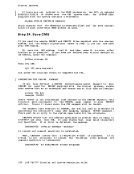
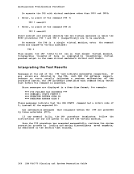
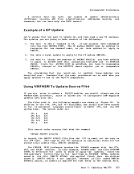
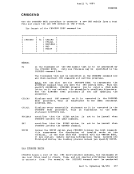
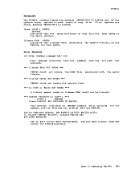
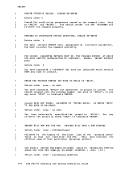
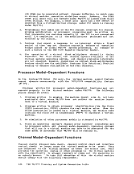
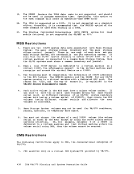
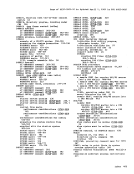
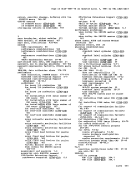
1.CP SPOOL CONS START NOTERM DSERV SD ( TERM CP SPOOL CONS STOP TERM CP CLOSE 9
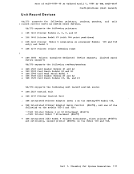
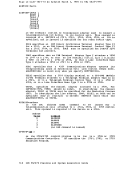
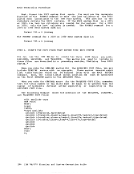
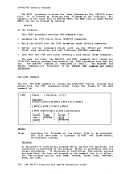
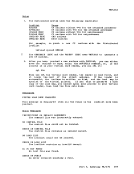
READ$ESER EXEC 2. COPYFILE $ESER EXEC A $ESERV EXEC A ( LRECL 80 REPLACE &BEGSTACK DEL Q
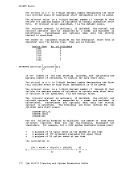
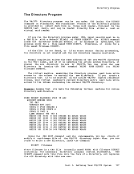
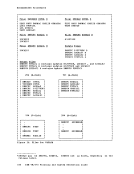
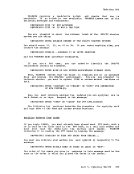
FCP DEL 5 TOP C / /&1 &2/*
FILE
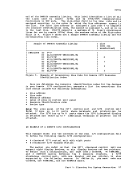
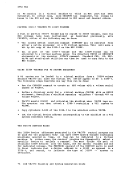
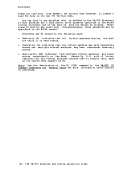
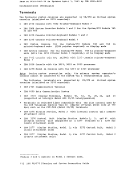
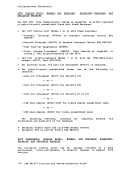
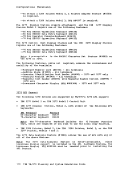
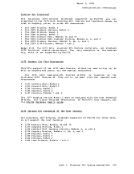
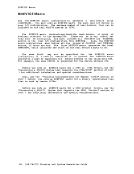
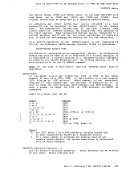
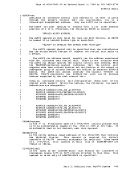
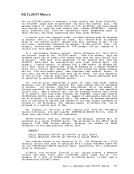
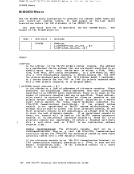
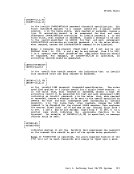
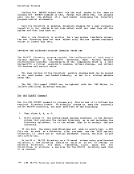
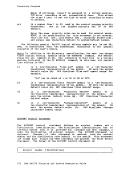
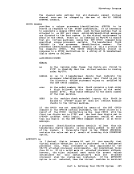
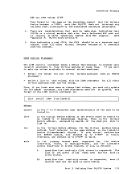
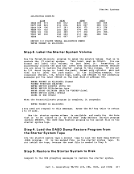
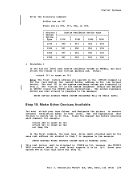
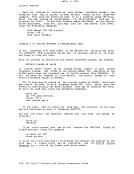
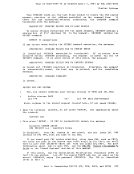
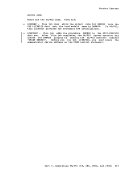
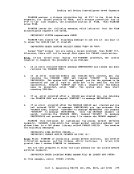
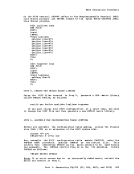
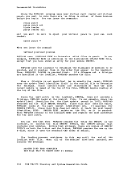
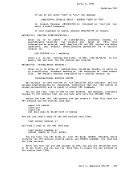
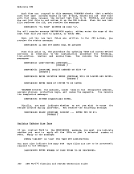
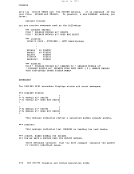
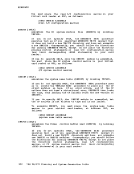
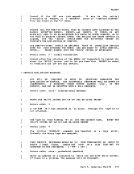
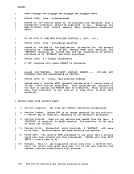
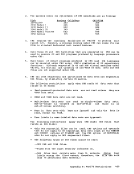
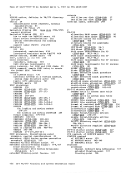
&ENDEDIT $ESERV EXEC ERASE $ESER EXEC -STACKER &CONTINUE &BEGTYPE 3. IF YOU WISH TO ALTER THE LIST OF MACROS NOW IS THE TIME TO DO SO YOU MAY BYPASS ALTERATION BY ENTERING A NULL LINE OR ELSE ENTER A NON-BLANK CHARACTER TO BEGIN ALTERATION ALTERATION IS ACCOMPLISHED VIA EDIT'ING THE EXEC FILE CONTAINING THE KACR( YOU MUST ISSUE THE EDIT SUBCOMMAND FILE TO RE-ENTER THIS EXEC AND CONTINUl &END
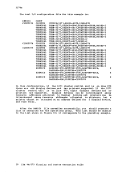
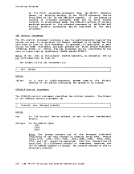
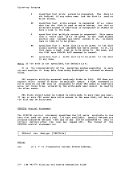
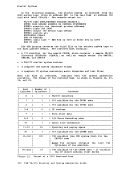
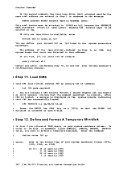
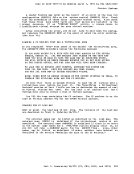
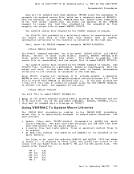
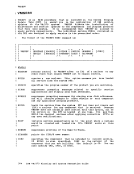
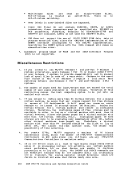
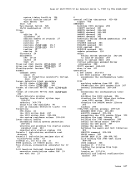
&READARGS &IF &INDEX NE 0 EDIT $ESERV EXEC &CONTROL ALL UUU IBM VM/37Q Planning and System Generation Guide
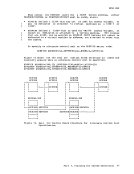
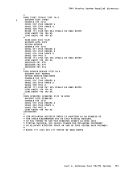
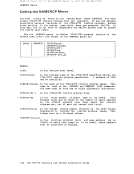
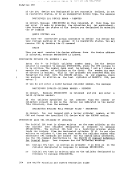
Issue the following command to create a
following lines.
the following example. The numbers refer to notes of explanation that
follow the example.
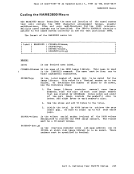
&C
&READ
&READ
1.
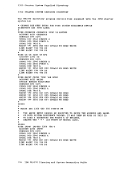
READ
F
FILE
&END
&READ