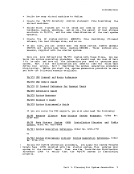
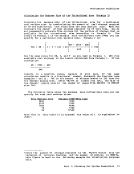
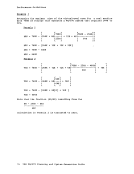
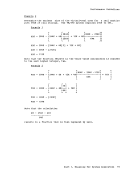
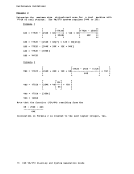
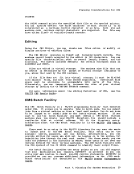
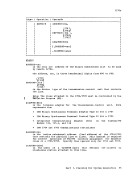
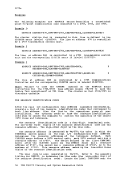
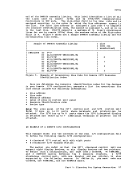
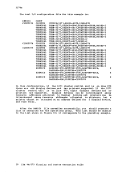
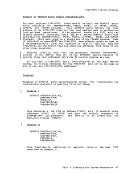
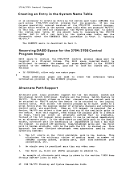
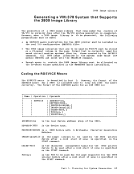
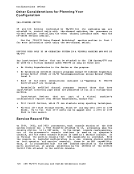
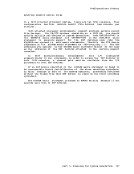
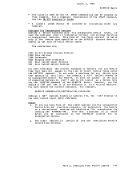
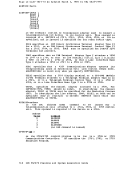
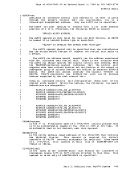
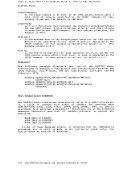
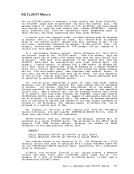
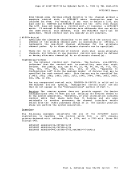
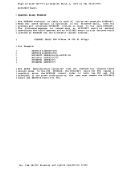
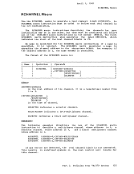
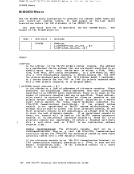
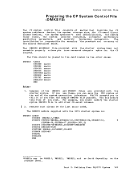
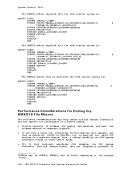
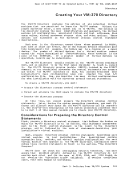
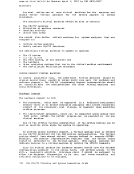
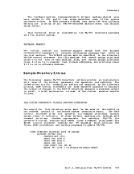
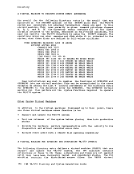
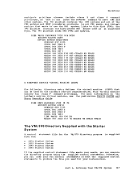
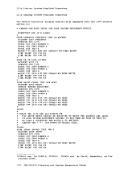
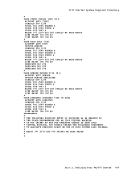
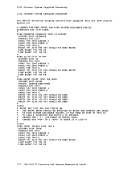
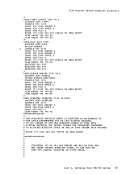
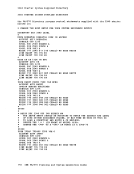
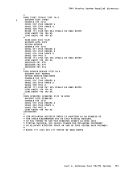
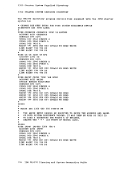
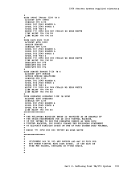
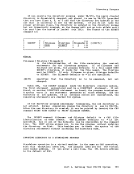
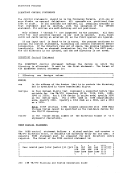
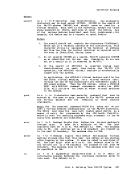
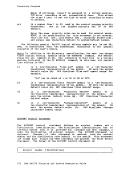
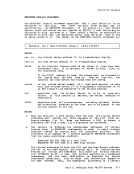
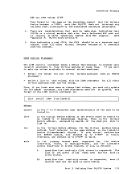
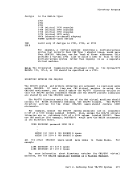
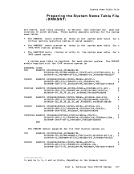
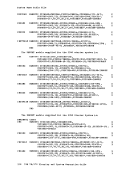
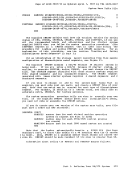
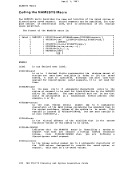
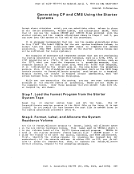
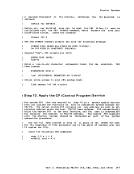
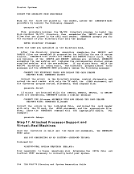
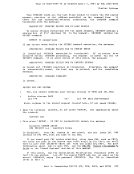
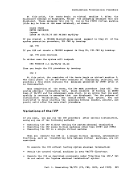
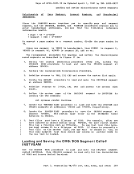
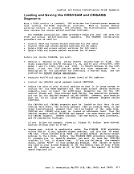
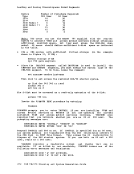
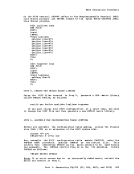
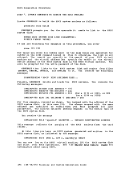
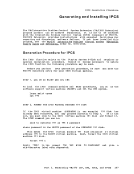
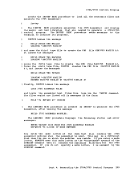
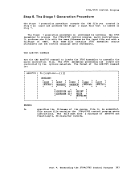
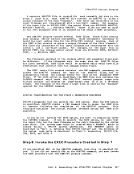
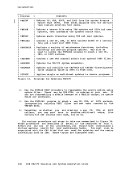
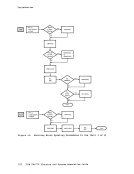
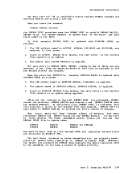
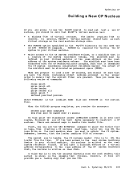
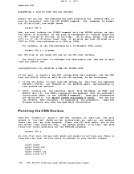
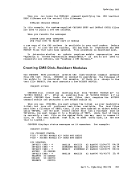
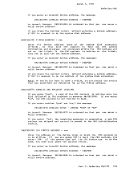
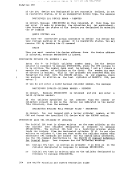
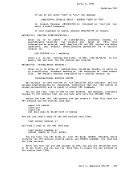
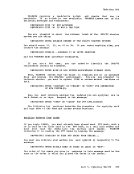
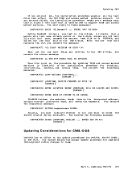
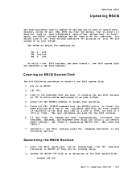
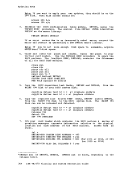
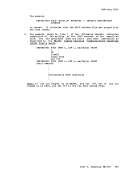
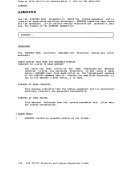
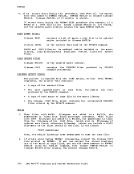
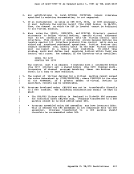
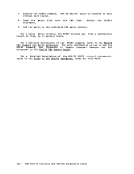
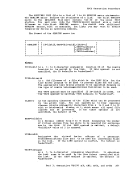
7. Execute the ESERV command. The de-edited macro is spooled to your
virtual card reader.
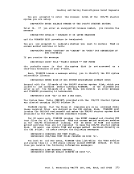
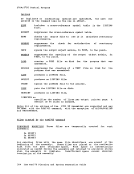
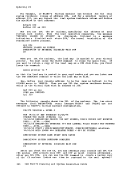
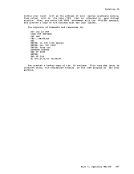
8. Read the macro file onto theCMS disk.
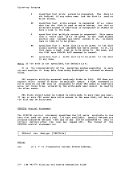
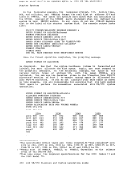
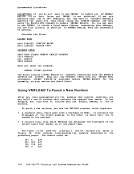
statement.
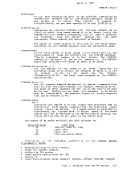
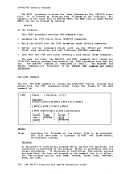
Delete theCATALS 9. Add the macro to the indicated CMS macro library.
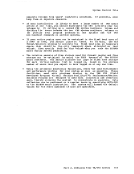
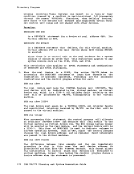
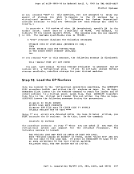
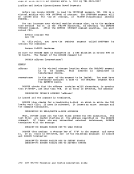
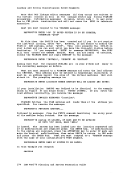
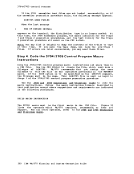
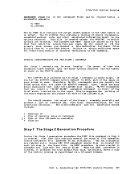
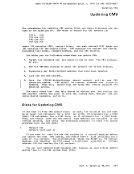
For a large macro library, theESERV process may take a substantial
length of time, up to several hours.
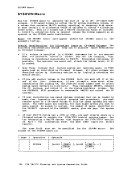
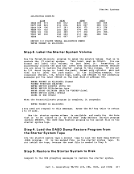
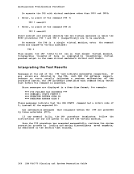
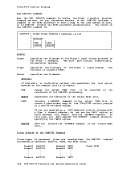
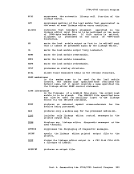
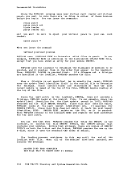
For a detailed description of theESERV command, refer to the VML31Q CMS Command and Macro Reference. For more information on how to use the ESERv--Command: -See- "Appendix D: Sample Terminal Session for DOS Programs" in the !M/31Q DOS/VS ESERV control !Q Order No. GC33-4024.
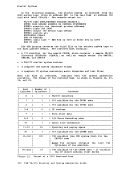
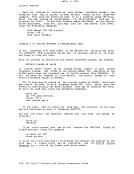
446IBM VM/370 Planning and System Generation Guide
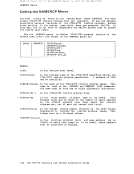
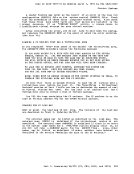
virtual card reader.
8. Read the macro file onto the
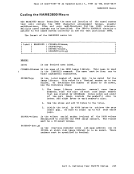
statement.
Delete the
For a large macro library, the
length of time, up to several hours.
For a detailed description of the
446