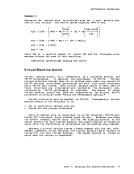
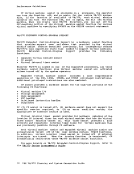
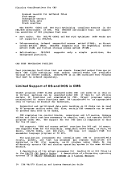
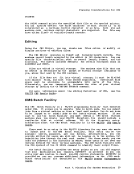
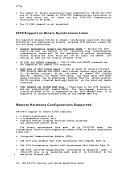
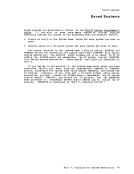
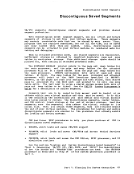
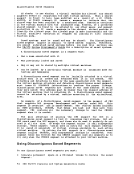
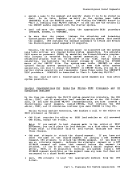
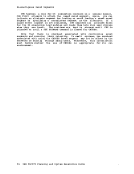
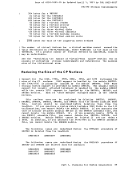
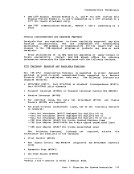
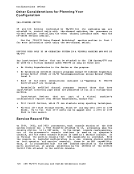
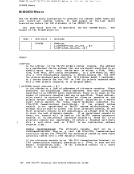
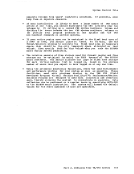
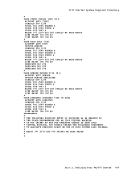
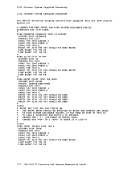
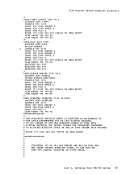
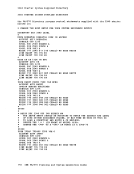
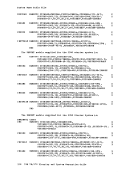
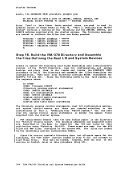
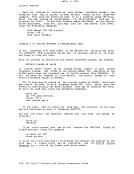
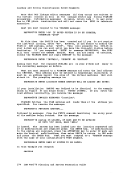
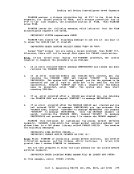
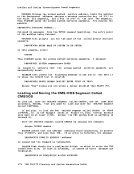
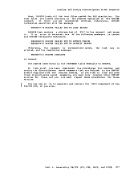
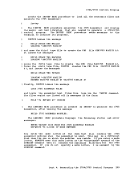
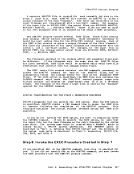
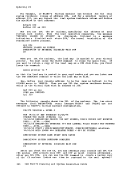
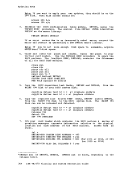
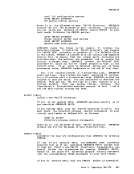
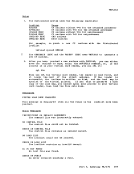
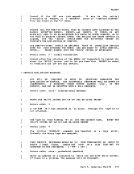
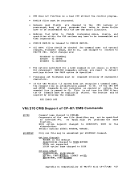
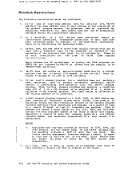
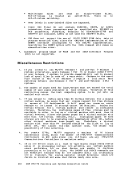
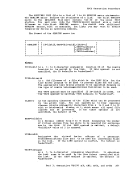
1Q. The DUMMY feature for VSAM data sets is not supported and should
not be used at program execution time. Specifying this option on
the DLBL command will cause an execution-timeOPEN error 20. The 3066 is supported as a 3215. It is not supported as a graphics
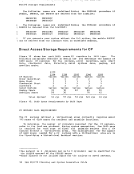
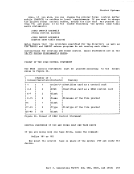
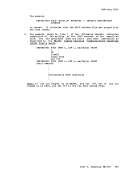
editor; therefore, it is recommended that theNODISP option of the
EDIT command be used when editing in a3066. 21. The Program Controlled Interruption (PCI) FETCH option for load
module retrieval is not supported forOS/MFT or VS1. MSS Restrictions
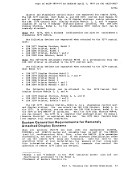
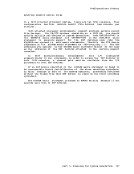
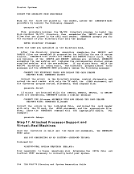
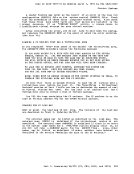
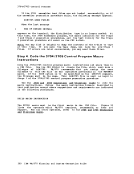
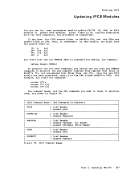
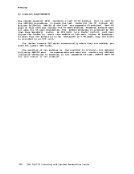
1. There are two os/vs system data sets associated withMass Storage System: The mass storage volume inventory and the mass storage
volume control journal. There is one copy of each data set perMass storage System, not necessarily one per opera ting system. If more than one oS/vs on either native or in a virtual machine) is connected to a common Mass Storage System, then
theOS/VS systems must share a common inventory and journal.
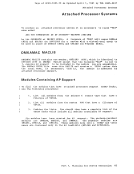
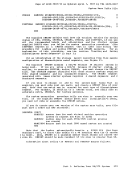
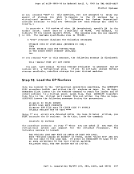
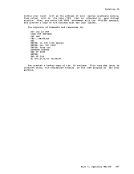
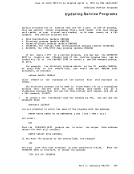
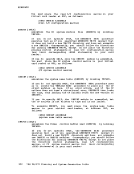
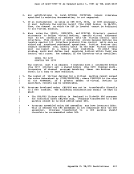
2. When a real3330V device is dedicated to a virtual machine as a
virtual3330V, the prbgramming support in the virtual machine must
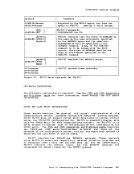
recognize and access the virtual device as a3330V. 3. The following must be compatible; the definition of 3330V addresses
in theMCS tables; the DMKRIO module; and the IOGEN for any as/vs
system running in a virtual machine with a dedicatedMSC port. The
reason for this, and the way to ensure it, is explained in the4. Fach active volume in the MSS must have a unique volume number. If
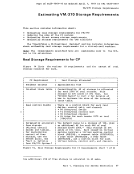
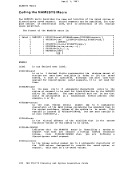
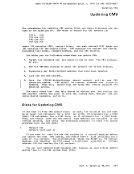
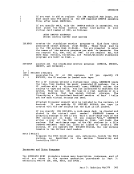
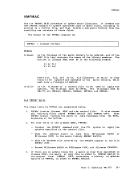
you wish to have two or more user volumes having the same volume
serial (such as different versions of anOS/VS2 system residence
volume both having a volume serial ofVS2037), then create two MSS volumes having different volume serials and allocate the user
volumes as minidisks.
5.Mass Storage System volumes may not be used for VM/370 residence,
paging, spooling, or temporary disk space.
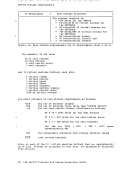
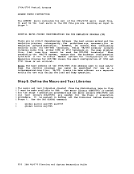
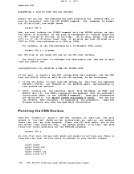
6.You must not change the volume of a real 3330V volume (the volume
serial as known by theMSC) except by using the OS/VS access method
services utilities.If, for example, cylinder 0 of a 3330V is
dedicated to a virtual machine and that virtual machine alters the
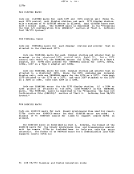
volume serial using DDR, then the volume cannot be mounted.eMS Restrictions
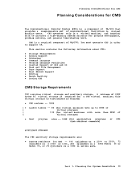
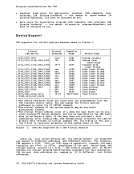
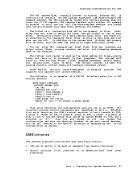
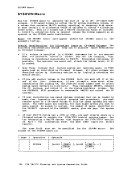
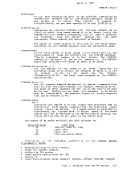
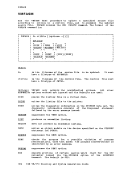
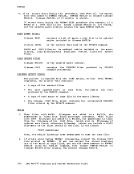
The following restrictions apply toCMS, the conversational subsystem of VMI 3
7 0: 1. eMS executes only on a virtual IBM System/370 provided by VM/370. 438 IBM VM/370 Planning and System Generation Guide
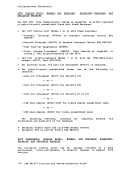
not be used at program execution time. Specifying this option on
the DLBL command will cause an execution-time
editor; therefore, it is recommended that the
EDIT command be used when editing in a
module retrieval is not supported for
1. There are two os/vs system data sets associated with
volume control journal. There is one copy of each data set per
the
2. When a real
virtual
recognize and access the virtual device as a
in the
system running in a virtual machine with a dedicated
reason for this, and the way to ensure it, is explained in the
you wish to have two or more user volumes having the same volume
serial (such as different versions of an
volume both having a volume serial of
volumes as minidisks.
5.
paging, spooling, or temporary disk space.
6.
serial as known by the
services utilities.
dedicated to a virtual machine and that virtual machine alters the
volume serial using DDR, then the volume cannot be mounted.
The following restrictions apply to
7 0: