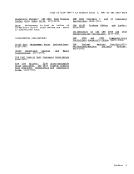
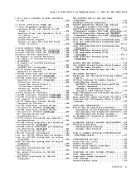
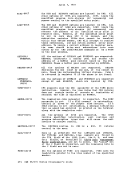
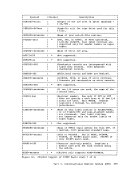
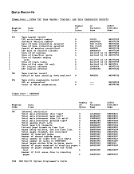
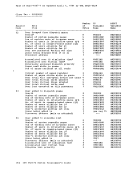
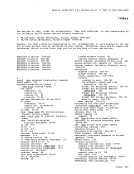
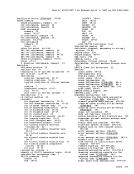
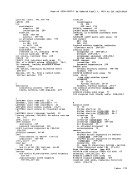
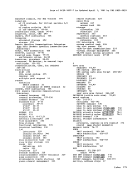
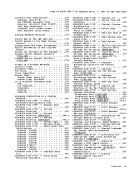
Paqe of GC20-1807-7 As Updated April 1, 1981 by TNL GN25-0829 Check Interrupt • Machine Check Interrupt • svc Interrupt. • . • • • ••• External Interrupt • • • ••• Synchronous Interrupts In An Attached Processor System •• Real I/O Interrupts •• PERFORMANCE GUIDELINES. • 86. 1 • 86.1 • • 87 • • 87 • 87 • 87 • • 88
General Information ••• virtual Machine I/O ••• paqinq Considerations. • • • • • 88 • 89 • • 90 Locked Pages Option •• Peserved Page Frames Option. • • • • • 91
virtual=Re al 0 pt ion. • • • • vM/370 Performance Options. F' a vored Execu t ion. • • • • • Priority ••••••••• User priority (2148-Xl§) • User Priority • 92
92 • 93 • • 93 • 95 • 95 • • 95 • 95
. • • • • • 95 ReseL ved Paqe Fra mes • Virtual=Real • • • • • •• Affinity • • • • • • • • Multiple Shadow Table Support • 97 . • • • • • • •• •• 98
Shadow Table Bypass . 98.1
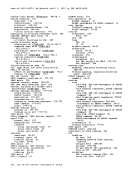
virtual Machine Assist Feature. • 98 (S148=!]1). • • • • • • • • • • 98.2
virtual Machine Assist Feature ••••• 98 rysing the Virtual Machine Assist Peature • • • • • • • • • • • • • • • 99
Restr icted Use of the Virtual Machine Feature •••••••••••• 99 Extended Control-Program Support (ECPS). • . • . • ••••••••••• 99
TJsinq the VM/370 Extended
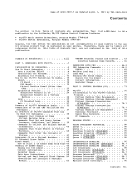
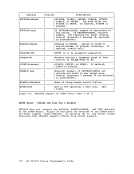
Cont r01- proqram Support • • • • • • .101 The virtual Block Multiplexer Channel Option. • • . • • • • • • • • • .102 Alternate Path Support •••••••• 102 qVS/System Extensions Support (5748-XE1) •••••••••••••• 102.1 Lo;-iddress Protection Facility . • • • • • • • • • • • 10 2. 1
Common segment Facility • 102.2 Special MVS Instruction Operation Handlinq Facilities • • 102.2 Enablinq MVS/System Extensions Support ( 5748- X E 1). . . • • • • • • • • . • 102. 2 Sinqle-processor Mode • 102. 2
Dynamic SCP Transition to or From
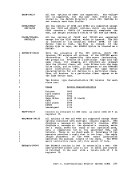
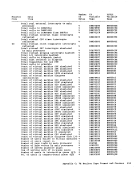
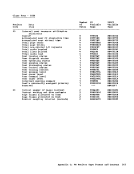
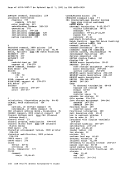
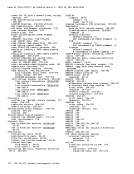
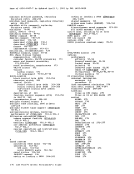
Native Mode (57!!8-1£:.1) •••••• 102.3 PERFORMANCE OBSERVATION AND ANALYSIS •• 103 Load Indicators. • • . • • • • • .103 'I'h e I n d i cat e Com man d • . • • • • 1 03 The Class G INDICATE Command. • .104 The Class E INDICATE Command. • .106 The Class E INDICATE FAVORED Command . • • • • • • • • •••• 109 Class E INDICATE FAVORED Command (51!!]:!£; 1). . • • • • • • • • • 109 ':"he MIGRATE Command .109 and Settinq the System Variables LS1!!§:XX§). . • • • • • • • • • 109 Querying and Setting the System Resource M anagem en t Va r iab Ie s (2148- !E1). • • • • • 110 Querying and Setting the Paging Variable • • • 110 Querying and Setting the Paging Variable The MONITOR Command. • • ••• .110 .110 The MONITOR Command (5748-XX8) • .110.1 The MONITOR Command (5748-XE1) • .110.1 .119 Implemented Classes •• •• VM/370 Monitor Response to Unusual Tape C ondi tions • • • • • • • • VM/370 Monitor Consideratioas •• VM/370 Monitor Data Volume and Overhead. • • • • • • • • • • Load Environments of VM/370. ACCOUNTING RECORDS Accounting Records for Virtual Machine
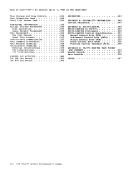
Resource Usage. • Accounting Records for
Devices and Temporary
Accounting Records for
Devices and Temporary
Dedicated
Disk Space. Dedicated
Disk Space .121 • 122
.123
.124
.127
.127
.128
( .214 8- X X • • • • • • • • • • • • • • 1 2 7
Accounting Records for Dedicated
Devices and Temporary Disk Space ( 57 !is-XE1). • • • • • • • • • • • Accounting Records for LOGON, AUTOLOG, .127
and LINK Journaling • Accounting Records Created Operational Notes ••••• User Accounting Options •• • •••••• 128
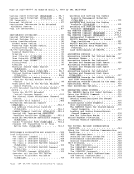
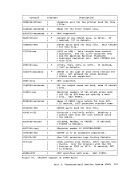
by the User .129 • • •• 130 • • • • • • • 130 GENERATING SAVED SYSTEMS. .132
The NAMESYS Macro For Saved Systems ••• 132 Using the SAVESYS Command •••••••• 134 Shared Segments ••••••••••••• 135 Special Considerations for Shared Segments. • • • • • • • • .135
Discontiguous Saved Segments •••••• 135 User Reguirements ••••••••••• 136
The NAM ESYS Macro for D iscont iquous Saved Segments. • • • • • • • • .137
Loading and Savinq Discontiquous Shared Segments ••••••••••• 138
How The Interface Works. • • .139 Shared Segment Protection. • .140 Virtual Machine Operation. • .142
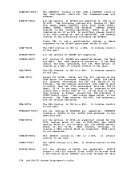
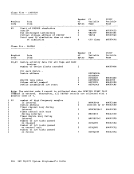
THE VIRTUAL MACHINE COMMUNICATION FACILITY •••••••••••••••• 143 Using the Virt ual Machine C ommu nica ti on
Facility. • • • • • • • • • • .145 VMCF Applications. • • • • • .145
security and Data Integrity. .146 Performance Considerations. .147
General Considerations. • • • • .148 VMCF Protocol. • • • • • • • • • • .148
The SEN D Protocol. • • • .148
The SENDjRECV Protocol. • • • • .150 The SENDX Protocol • • • .151
The IDENTIFY Proto col. • • 152
Descriptions of VMCF Subfunctions. .153
The Control Subfunctions • • • .153
The Data Transfer Functions.. • • .155
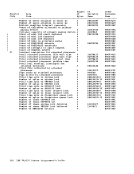
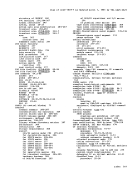
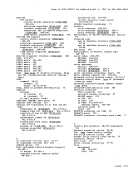
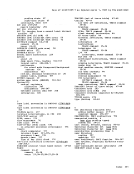
PagE of GC20-1807-7 As Updated April 1, 1981 by TNL GN25-0829 Invoking VMCF Subfunctions .....
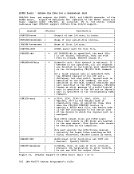
Diagnose Code X'68' ••••••• The VMCPARM Parameter List • • • External Interrupt Code X'4001'. VMCF User Doubleword • • • • • • • • DIAGNOSE X'68' Feturn COdES. Data Transfer Error Codes •• S PECI AL MESSAGE FACILITY • VM/370 USE OF THE IBM 3850 MSS • VM/370 Access to the MASS Stora9E Control .. • • • .. • • • • • .. • • Asynchronous MSS Mount Processing.

VM/370 Processinq of MSS Cylinder Faults •••••••••••••• Backup and Recovery of MSS Volumes Logical Device Support Facility
( 57 4 8- . . . . . . . . . • .
Logical Device Support Facility t21! 8- 1111).. • • .. • • • • • • "'IMERS IN A VIRTUAL MACHINE •• Interval Timer " .. Processor Timer •• T OD Clock. • • • • • • • Clock Comparator • Timer • • • • • • Pseudo Timer Start I/O • Pseudo Timer DIAGNOSE. CP In Attached Processor Mode. PS A. • • • • • • • • I/O Handling
Signaling. • • • • • • Locking •••• Affinity •••••• DIAGNOSE INSTRUCTION IN A VIRTUAl MACHINE • • • • • • • • • • • DIAGNOSE Code X'OO' -- Store Extended-Ident ification Code. DIAG NOSE Code X' 04' -- Ex·amine Beal .159
.159
.159 .1-6-q .166 4 ... .., • 10' • 170
.171
.172
.172
.173 • 173 • 174
.174
.174
.175
.175
.176
.176 • 177 • 177 • 177
.178
.. 178
.178
.179 • 180
.180 • 181
.182
.183
Storage • • • • • • • • • • • • 184
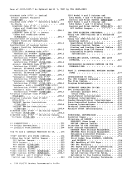
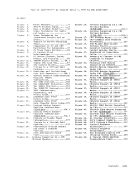
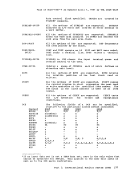
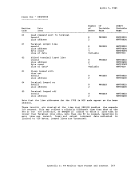
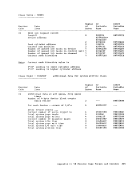
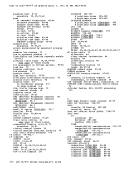
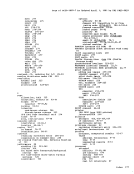
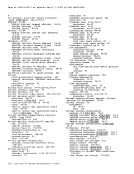
DIAGNOSE Code X' 08' -- Virtual Console Function. • • • • • • .184 DIAGNOSE Code X'08' -- Virtual Console Function • • .184.1 DIAGNOSE Code X'08' -- Virtual Console Function (5746-XE.1). • .184.1 DIAG NOSE Code X' Oct Pseudo Timer. • • 186 DIAGNOSE Code X'10' -- Release Pages •• 186 DIAGNOSE Code X'14' -- Input spool File
Manipulation. • • .187
Subcode 1'0000' • • • • .187
Subcode X'0004' .188 Subcode X·0008' .188 Subcode X'OOOC' .188
Subcode X' 001 0' .188
Subcode X'001Q' .189
Subcode X'0018' .. • .. • .189
Subcode X' 001 C' • • .. • • • 189 Subcode x'0020-. .189 Subcode X'OFFF' .1-90 bIAGNOSE Code X'18' -- Standard DASD I/O • • • • • • • • • .190 DIAGNOSE Code X'1C' -- Clear Error
Recording Cylinders. .191 DIAGNOSE Code X'20' -- General I/O ••• 191 DIAGNOSE Code X
i
24;
-- Device Type and
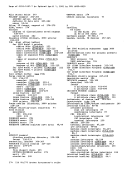
Features •••••••••••••••• 192 DIAGNOSE-Code X'28 ,-- Channel Program Modification. • • • • • • • • • • .194 DIAGNOSE Code X'2C' -- Return DASD Start of LOGREC • • • • • • • • • .195 DIAGNOSE Code X'30' -- Read One Page of LOGREC Data •••••••••••••• 196 DIAGNOSE Code X'34' -- Read System Dump Spool File ••••••••••••••• 196 DIAGNOSE Code X'38' -- Read System
Symbol Table •••••••••••••• 191 DIAGNOSE Code X'3C' -- VM/310 Directory. 191 DIAGNOSE Code X'40' -- Clean-Up After
virtual IPL by Device ••• 197 DIAGNOSE Code X'40' -- Clean-Up After Virtual IPL by Device (5748-XE1i. 197 DIAGNOSE Code X'48' -- Issue SVC 16
From a Second Level VM/370 Virtual Machine. • • • • • • .197 DIAGNOSE Code X'4C' -- Generate
Accounting Cards for the Virtual User. • • • • • • .. • • • • • • • .197 DIAGNOSE Code X'4C' -- Generate
Accounting Records for the Virtual User (5748-!X8) •••••••••••• 198 DIAGNOSE Code X'4C' -- Generate
Accounting Records for the Virtual User (5748-XE1) ............. 198 DIAGNOSE Code X'50' -- Save the 370X Control program Image ••••••••• 199 DIAGNOSE Code X'54' -- Control The
Function of the PA2 Function Key •••• 199 DIAGNOSE Code X'58' -- 3270 Virtual Console Interface • • .. • • • .199
Displaying Data (5748-XX8) •••••• 200
Displaying Data (5 748- XE 1) • • • • • .200
Full Screen Mode {5748-XX8} ••••• 200.1
Full Screen Mode ••••• 200.1 DIAGNOSE Code X'5C' -- Error Message
Editing. • • • • • • • ••••• 200 DIAGNOSE Code X'5C' -- Error Message Ed it i ng ( 57 .!i 8- X • • • • • • 20 0 • 4 DIAGNOSE Code X'5C' -- Error Message
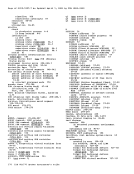
Editing (5748-XE.1). • " .. 200 .. 4 DIAGNOSE Code X' 60' --Determining the Virtual Machine Storage Size •••••• 201 DIAGNOSE Code X'64' -- Finding,
Loading, and purging a Named Segment •• 201 DIAGNOSE Code X'68' -- Virtual Machine Ccmmunication Facility (VMCF) ••••• 203 DIAGNOSE Code X'6C' -- Special Diagnose
for Shadow Table Maintenance (5748-XE.1) ••••••••••••••• 204 DIAGNOSE Code X'70' -- Activating the
Time-of-Day (TOD) Clock Accounting
Interface • • • • • • .204 DIAGNOSE Code X'74' -- Saving or
Loading a 3800 Named System •••••• 204 DIAGNOSE Code X'74' -- Saving or
Loading a Named System (5748-XE1) •• 204.1 DIAGNOSE -Code X' 7S' -- ass Communication • • • • • • • • .205 DIAGNOSE Code X'7C' -- Logical
Device Support Facility ••••••••••••••• 206 Conte nts i x I i I I
Previous Page Next Page